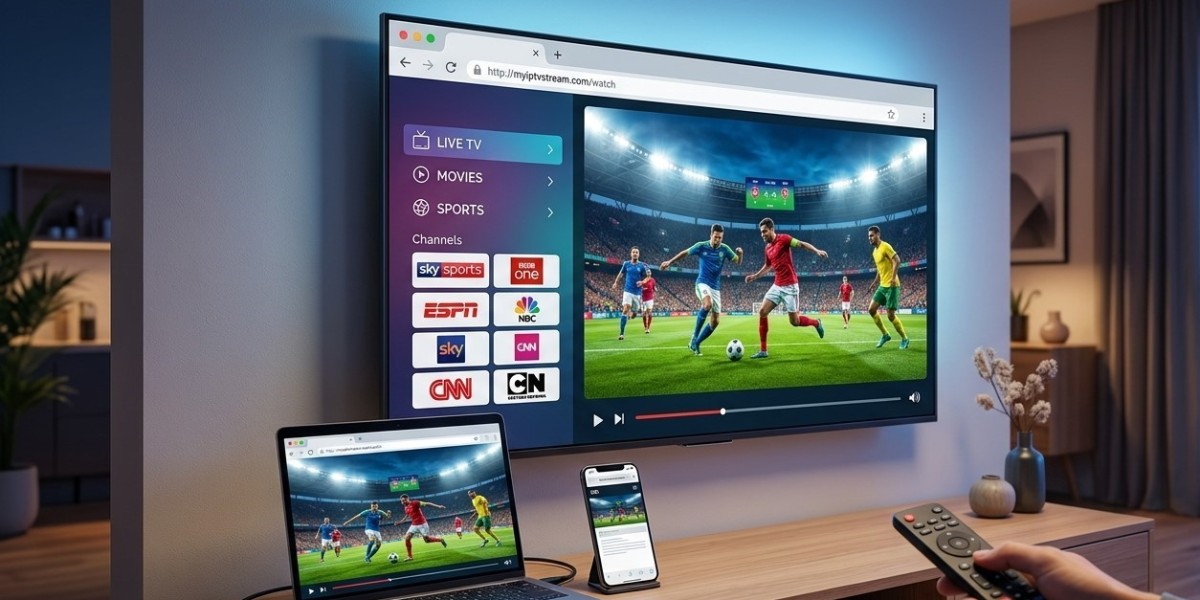

Not everyone wants to download and manage a separate app just to watch television, especially if you're trying to quickly test a service or you're using a device where installing apps feels like a hassle. It's a fair question: is there a way to stream IPTV directly, without going through the usual app installation process? Here's what's actually possible, and where the real limitations are, with a service like Indian IPTV USA.
Table of Contents
- The Short Answer: Mostly No, With a Few Exceptions
- Why an App Is Normally Required
- Browser-Based IPTV Players
- Smart TVs with Built-In Browsers
- Limitations of App-Free Streaming
- Why Most Providers Still Recommend a Dedicated App
- If You Want the Absolute Simplest Setup
- Comparing App-Based vs. Browser-Based Streaming
- Frequently Asked Questions
The Short Answer: Mostly No, With a Few Exceptions
For the vast majority of IPTV setups, some form of dedicated player app, such as IPTV Smarters, TiviMate, or GSE Smart IPTV, is genuinely necessary to properly decode and display your channel lineup with a usable interface and EPG. However, there are a few limited exceptions and workarounds, mainly browser-based options, that allow some level of app-free access, though generally with a more limited experience.
Why an App Is Normally Required
IPTV streams are typically delivered in formats that need to be interpreted through a dedicated media player capable of reading M3U playlists or Xtream Codes login systems, along with rendering an organized channel guide and EPG data. A standard web browser isn't inherently built to handle this kind of structured, live-TV-focused playback the way a purpose-built app is, which is why most providers direct users toward a specific player app for the best experience.
Browser-Based IPTV Players
Some web-based IPTV player tools do exist, allowing you to paste in your M3U playlist URL directly into a browser-based interface without installing a separate app. These can work for basic channel browsing and playback on a computer, though they often lack the polish, EPG integration, and additional features (like favorites, catch-up, or recording) that a dedicated app typically offers.
Smart TVs with Built-In Browsers
If your Smart TV has a built-in web browser, it's technically possible to access a browser-based IPTV player directly on your TV without installing a separate streaming app. However, TV-based browsers are often more limited and less optimized for this kind of use compared to browsing on a computer, so the experience can be inconsistent depending on your specific TV model and browser capabilities.
Limitations of App-Free Streaming
Going app-free generally comes with real trade-offs:
- Weaker or missing EPG support, making it harder to browse what's currently airing
- No favorites or organized categories, requiring you to manually track channel links
- Less stable playback, since dedicated apps are specifically optimized for continuous live streaming
- No catch-up, recording, or advanced features that dedicated apps often include
- Inconsistent browser compatibility across different devices and TV models
Why Most Providers Still Recommend a Dedicated App
Given these limitations, most IPTV providers, including comprehensive ones with large channel lineups, recommend using a proper player app for a genuinely smooth, feature-complete experience. The small effort of installing an app like IPTV Smarters Pro or TiviMate is generally well worth it compared to the more limited functionality of browser-based alternatives.
If You Want the Absolute Simplest Setup
If your priority is minimizing setup effort while still getting a proper experience, consider a pre-configured Indian IPTV Box, which often comes with the necessary app already installed and configured, removing the need for you to personally handle app installation or setup at all, even though an app is technically still running behind the scenes.
Comparing App-Based vs. Browser-Based Streaming
| Factor | Dedicated App | Browser-Based |
|---|---|---|
| EPG quality | Strong | Limited or absent |
| Favorites/organization | Yes | Usually no |
| Playback stability | High | Variable |
| Setup effort | Requires installation | No installation, but setup can be fiddly |
| Advanced features (catch-up, recording) | Often available | Rarely available |
Frequently Asked Questions
Can I watch IPTV directly in a web browser without any app? In a limited way, yes, some browser-based IPTV player tools exist, though they typically offer a more basic experience compared to a dedicated app.
Does my Smart TV's built-in browser work well for IPTV? It can technically work, but TV browsers are often less optimized for this kind of use, so the experience may be inconsistent depending on your specific TV.
What am I missing out on if I skip installing a dedicated app? You'll generally lose EPG quality, organized favorites, catch-up features, and overall playback stability compared to using a proper IPTV player app.
Is there a way to get a fully app-free but still high-quality experience? Not really, for a genuinely smooth, feature-complete experience, a dedicated app is generally necessary, though a pre-configured device can make the app installation invisible to you as the end user.
What's the easiest way to avoid dealing with app installation myself? A pre-configured Indian IPTV Box typically comes with the necessary app already installed and set up, removing the need for you to handle installation personally.
Get the Smoothest Experience Possible
While technically possible in limited ways, skipping a dedicated app usually means sacrificing real functionality. Indian IPTV USA works best through a proper player app, and a pre-configured Indian IPTV Box makes that setup completely effortless.